To create a KakaoTalk account without a phone number, you can use real Non-VoIP numbers from the Non-voip platform.
Since KakaoTalk’s 2026 algorithms reject all software-based and virtual numbers, relying on a physical US mobile line is the only way to receive your verification code and keep your account active without the risk of being shut down.
Benefits of Creating a KakaoTalk Account Without a Personal Number
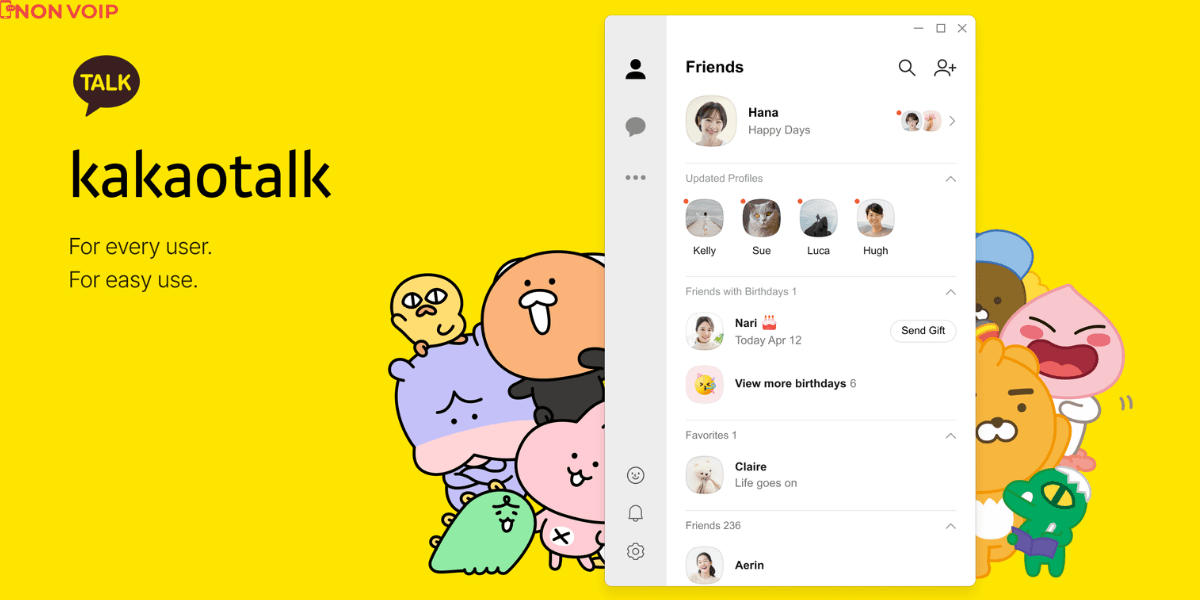
Owning a KakaoTalk account through this method provides strategic advantages that go beyond simple messaging:
Complete Digital Privacy: This method allows you to separate your real identity and telecom records from your in-app activity, protecting you from data tracking or strangers accessing your private number.
Unrestricted Access to Korean Games: Most global games released in South Korea require a KakaoTalk account for login. Creating an account with an external number gives you an instant pass to these games without needing a physical Korean SIM card.
Direct Interaction on Celebrity Channels: You can join official K-pop artist channels and exclusive chat groups that often require verified accounts for commenting and interaction.
Facilitating Business and Trade: If you deal with Korean suppliers or clients, communicating via KakaoTalk adds a professional touch and helps build trust within their preferred business environment.
Read more: How to create a LINE account without a phone number
Why Does KakaoTalk Reject Your Free Number?
KakaoTalk’s security systems are among the strictest in the world when it comes to fighting fake accounts. If you try to register with a free app number, you will face the following issues:
Immediate Number Rejection: You will receive a notification stating the number is unsupported or suspicious.
Temporary Device Bans: Repeated attempts with virtual numbers can lead to your entire device ID being banned from registration.
The Professional Solution: The power lies in using Non-voip numbers; they appear in the system as real mobile lines from major carriers, giving your account immunity against automatic bans.
Steps to Create a KakaoTalk Account Without a Phone Number
Follow these simple steps to get a US number to activate KakaoTalk:
Phase 1: Secure Your US Number
Visit the official Non-voip website and log in.
Ensure you have "recharged your balance" to guarantee a fast process.
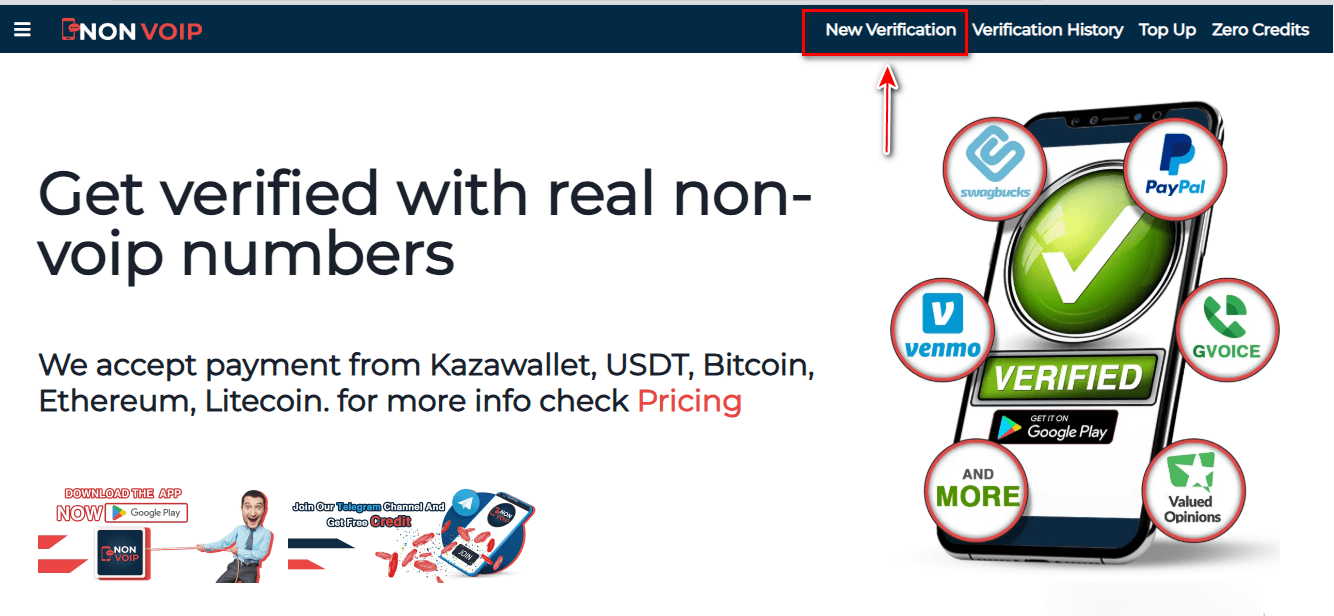
Click on the "New Activation" section on the site.
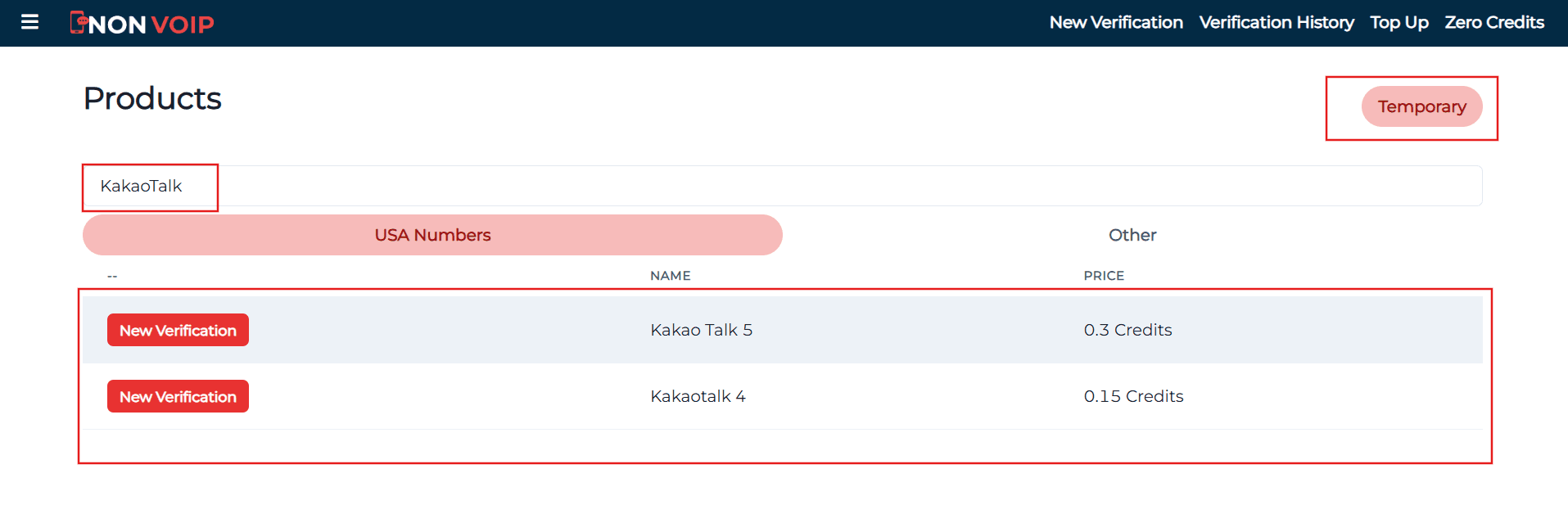
Use the "search bar" at the top, type "KakaoTalk", and press the search button.
Click the "New Activation" button and follow the instructions to receive your real US number.
Phase 2: Activating the Account
Open the KakaoTalk app and start the new account creation process.
Fill in the required basic information.
When you reach the phone verification step, paste the number you obtained from the Non-voip site.
Return to your Non-voip dashboard and wait a moment for the SMS verification code.
Enter the code into the KakaoTalk app to finish the process successfully.
Frequently Asked Questions (FAQ)
Do I need the number every time I log in?
The app usually asks for the number during the initial activation or when moving to a brand-new device. To ensure you never lose your account, we recommend linking a verified email immediately and enabling two-step verification.
Why does the platform sometimes reject my number?
If you use free virtual numbers, rejection is inevitable. However, when using real Non-voip numbers, the success rate is nearly 100% because they are treated as physical SIM cards.
What if the code does not arrive?
The Non-voip platform protects your rights; if the code is not received within a few minutes, you can cancel the request and get an instant refund to try another number. This is a rare occurrence with our premium services.
Conclusion
create a KakaoTalk account without a phone number is your secure way into the vast Kakao ecosystem in 2026 without compromising your privacy.
Start professionally, use trusted numbers from Non-voip, and enjoy all app features without restrictions or fear of being banned.