You can successfully activate a flip account using a US number by using real Non-VoIP numbers from the Non-Voip platform. Since the Flip app is designed exclusively for the US market, it immediately rejects virtual (VoIP) numbers.
Using a number linked to a physical SIM card is the only way to receive your SMS OTP, verify your account, and ensure you receive Cash Rewards without being banned.
Why Is Activating a Flip Account with a US Number Essential?
The Flip app (known as Flip.shop) has revolutionized Social Shopping. In 2026, it became the leading platform for combining honest video reviews with instant purchasing. It offers features available only to verified US accounts:
Watch & Comment Rewards: Flip gives users real cash credit for watching videos and writing reviews, available exclusively to US residents (or those appearing as such).
"First Purchase" Deals: New US account holders get massive discounts, often 50% or more, on global brands.
Referral Program: You can earn hundreds of dollars by inviting others, but this requires a verified, real US account to ensure smooth earnings withdrawals.
Why Does Flip Reject Your Free Number?
Flip’s security systems are highly advanced in fighting bots and fake accounts. If you try to register with a free app number, the following happens:
Digital Fingerprinting: The system instantly recognizes the number as VoIP (virtual) rather than a real mobile line.
Reward Blocking: Even if you access the app, your ability to earn or withdraw cash will be disabled because your account is flagged as untrusted.
The Professional Solution: Using Non-VoIP numbers from Non-Voip. These numbers are registered with major US carriers (like T-Mobile), making your account appear as a natural user living within the United States.
Steps to Activate a Flip Account Using a US Number
Follow these simple steps to register your Flip account securely:
Phase 1: Get a US Number
Visit the official Non-Voip website.
Log in to your account (or create a new one).
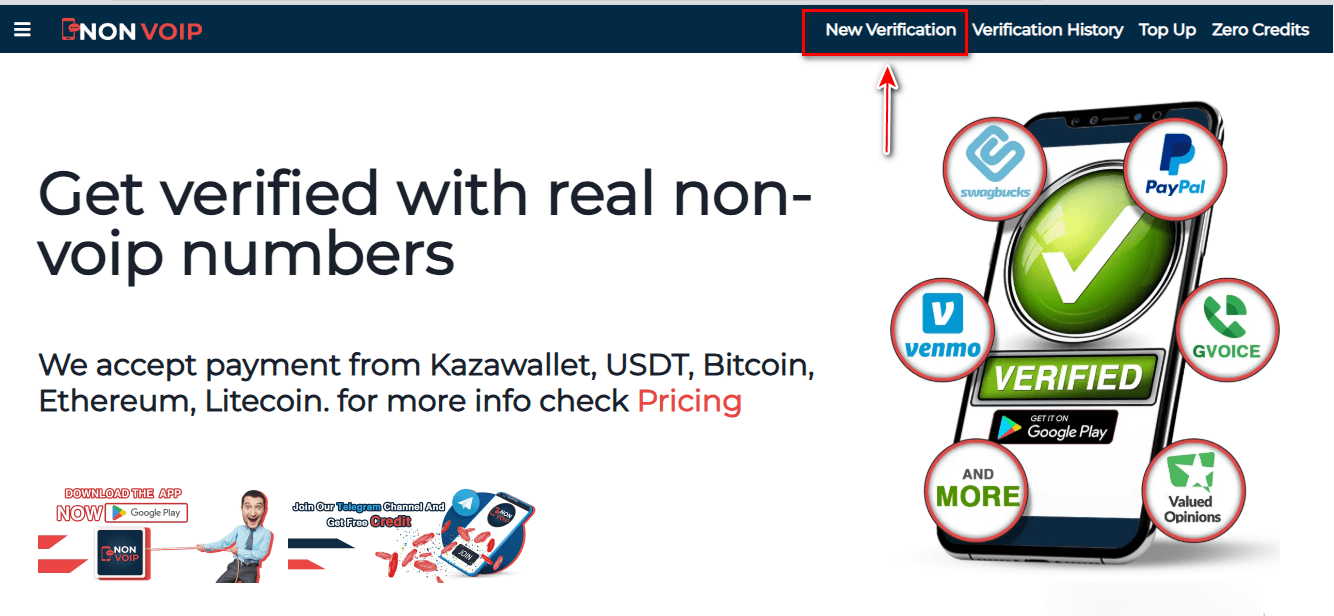
Navigate to the "New Activation" section.
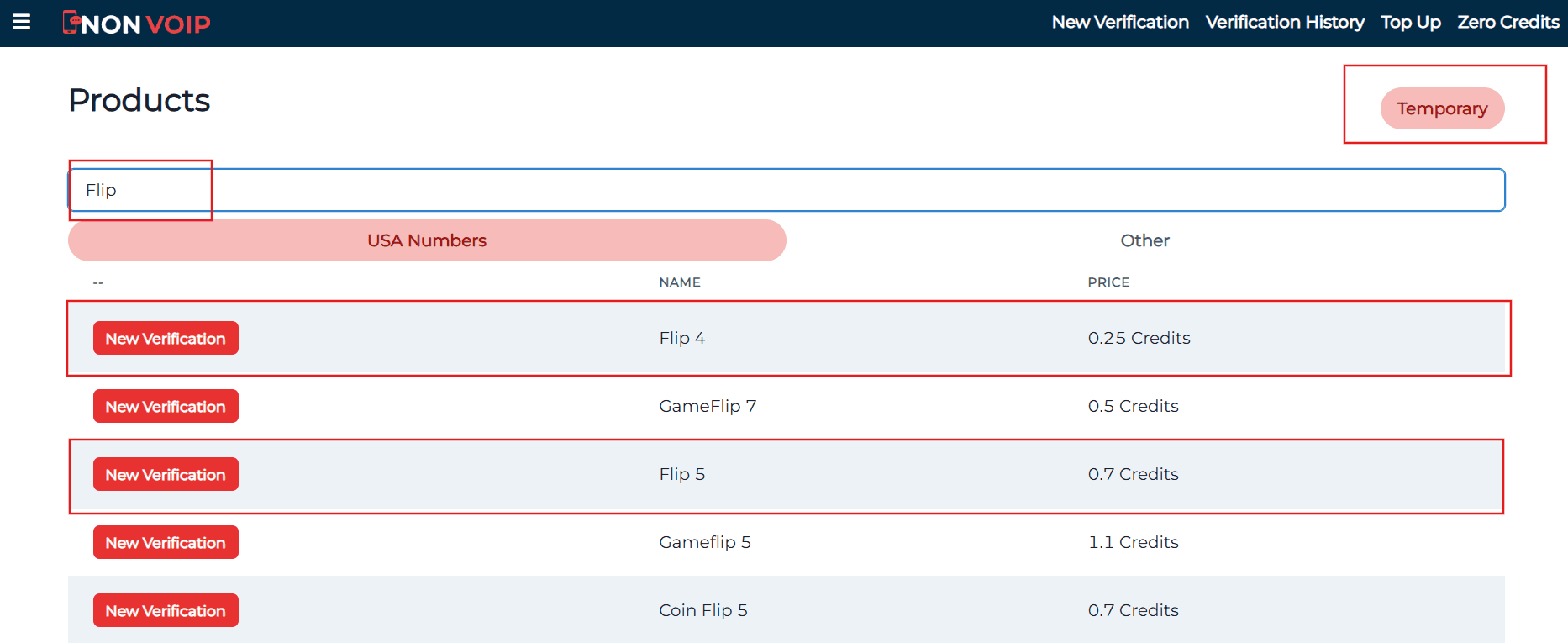
Search for "Flip" in the search bar and hit search.
Click "New Activation" to receive your real physical SIM number.
Phase 2: Account Creation
Open the Flip app and start the signup process.
Fill in your basic information.
When you reach the phone verification field, paste the number provided by Non-Voip.
Return to your Non-Voip dashboard and wait a moment for the SMS OTP to arrive.
Enter the code into the Flip app to finalize your activation.
Frequently Asked Questions (FAQ)
Do I need the number every time I open the app?
No. The number is only required for the initial Flip account activation. After that, you can log in using your email or your chosen login method.
Can I withdraw my earnings from Flip using this account?
Yes. Activating with a Non-VoIP number gives your account "Real Customer" status, which facilitates withdrawals to accounts like PayPal.
Check our guide on Creating a PayPal Account with a US Number to complete your earning cycle.
What if the code doesn't arrive?
The Non-Voip platform features an Automatic Refund policy. If the code is not received within a few minutes (which is rare), you can cancel the request and get your balance back instantly to try another number.
Conclusion
Activating a Flip account with a US number is your gateway to the social shopping world and earning from your review skills. Don’t waste your effort on fake tools that lead to account bans. Start professionally, secure your data, and enjoy a premium shopping experience.