How much does YouTube pay for 1000 views on a US account? On average, YouTube pays between $4 and $12 (RPM), though high-tier niches can reach $25. To successfully create an account from your country, you strictly need a US IP address and a real Non-VoIP (SIM-based) number from Non-voip to bypass Google’s security filters that block cheap virtual numbers.
How Much Can You Earn per 1000 Views in the US?
The numbers are clear: US advertisers pay a premium to reach American consumers. In technical terms, we call this RPM (Revenue Per Mille). Here is the average breakdown by niche:
- Finance & Business (Crypto, Trading): $12 – $25 per 1000 views.
- Tech & Software: $8 – $15 per 1000 views.
- Entertainment & Gaming: $3 – $6 per 1000 views.
Achieving these figures requires a precise content strategy. Without appearing on the first page, you won’t hit these high-value views.
We recommend reading YouTube SEO Secrets: How to Rank and Boost Your Revenue to learn how to make the YouTube algorithm recommend your content to US audiences.
The Setup Obstacle: Why US YouTube Accounts Fail
Creating a US account isn’t as simple as changing your location in settings. Google’s security crawlers verify your physical identity through two main checks: your IP address and your phone number.
The biggest mistake is using free, virtual number apps (VoIP). Google maintains an updated database of these numbers. The moment you enter a virtual number, your account is flagged as “High Risk,” and verification is denied.
To succeed, you need SIM-based numbers. These are real phone numbers tied to physical SIM cards. Google’s system cannot distinguish these from a standard phone used by a US citizen.
Why Google Rejects Virtual Numbers
Algorithms from Google and Meta use real-time blacklists for virtual numbers. To bypass these blocks, you must use a provider that meets strict hardware standards.
| Features | Non-VoIP (Real SIM) | VoIP (Cheap Virtual) |
| Bypass Google/2FA | 100% Success | Usually Rejected |
| System Identity | Shows as a real phone device | Shows up as a suspicious bot |
| Monetization Reliability | The only standard for AdSense | Often leads to account suspension |
| Cost | Fair investment for a stable account | Free/Cheap, but wastes your time |
Read more about The difference between VoIP and Non-voip numbers and why websites reject them.
Full Transparency: Trade-offs with Non-Voip
We deal in facts, not fairy tales. Using Non-voip numbers to build a US account comes with specific rules you must understand to keep your account safe:
- One-Time Use Numbers: The number you purchase is for receiving the SMS OTP (activation code) once. After activation, you will not have access to that specific number again.
- Cost vs. Value: Our service is paid. You are paying for a real security bypass that ensures your channel stays active, not a “burned” number shared by thousands.
- Mandatory Security Step: Immediately after verifying your account, you must enable Backup Codes in your 2FA settings. This code is your only way to log in later if Google asks for verification again.
Remember, AdSense isn’t the only way to profit from a US audience. You can integrate other strategies, so it’s vital to understand What is Affiliate Marketing? And how to start earning from it to maximize the return on every view.
How to Create a US YouTube Account from Anywhere
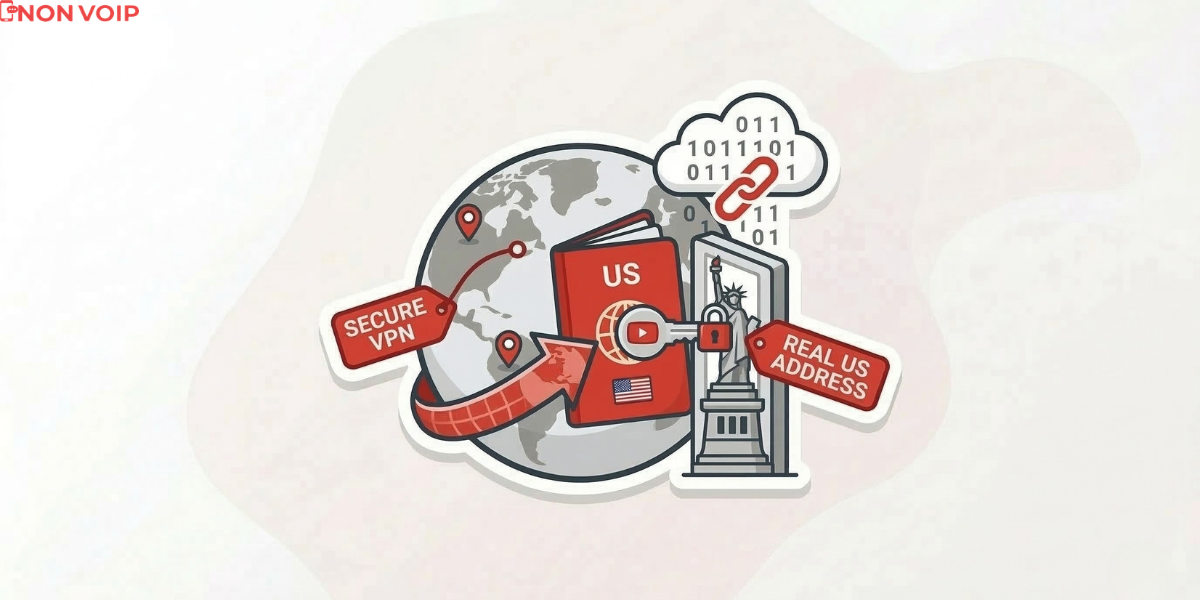
This is a technical process. Follow this logical order to ensure the algorithm sees you as a legitimate US user:
- Enable Proxy: Use a paid VPN or a Residential Proxy (which looks like a standard home internet connection) to avoid DNS Leaks. Select a static US server.
- Isolate the Browser: Clear your cookies or use a “Clean” Incognito window.
- Registration: Start a new Gmail account. Do not link it to any old recovery data. When asked for phone verification, go to Non-Voip.
- Get a Number: Select “Google/YouTube” and “USA,” then generate your real number.
- Verification: Enter the number on Google, wait for the SMS OTP in your Non-voip dashboard, and complete the setup.
Pro Tip: Real numbers cost slightly more than free sites, but they guarantee your account won’t be banned when your first AdSense payment arrives.
If you are curious about the step-by-step technicalities, we previously explained How to get a US number for YouTube verification using methods that ensure your account stays safe from sudden bans.
Frequently Asked Questions (FAQ)
Will my account be closed because the number was temporary?
No. Google closes accounts for using fraudulent (VoIP) numbers, not for losing access to a number. Once verified with a real SIM and secured with 2FA Backup Codes, your account is a stable US entity.
Will the number be taken away from me?
The number is used once for activation. Google rarely asks for re-verification unless you suddenly change your IP or login behavior.
Can YouTube tell I’m not in the US?
If you use a Residential Proxy combined with a Non-VoIP number, the system sees you as a regular US citizen connecting from home.
Why did my previous attempt with a free number fail?
Because Google has a real-time blacklist for VoIP numbers. Using one is an official announcement to Google that you are trying to bypass their system.
Conclusion
In 2026, success isn’t about who uploads the most videos, but who owns the digital assets in the right markets. Creating a US account is a business investment that requires professional tools, not amateur shortcuts.
Don’t risk your hard work for a few dollars. Get a real US number from Non-voip now and build your digital assets the right way.