You can successfully create multiple iCloud accounts without needing to use your own phone number for each account.
By using real temporary numbers from the Non-Voip platform, you can bypass Apple's strict verification system and receive an SMS OTP to verify each account independently and securely.
Why Do You Need to Create Multiple iCloud Accounts?
Having multiple accounts within the Apple digital environment is a necessity for many users due to:
Access to International Stores: These accounts allow you to download exclusive apps and services available only in the US or European stores that do not appear in your local store.
Separating Cloud Data: Dedicating one account for work and another for personal life ensures that photos, files, and messages in iCloud Drive do not overlap.
Cloud Storage Distribution: Taking advantage of the free space Apple provides for each new account to manage different categories of data in an organized manner.
Read more about how to create a Gmail account using US number
Obstacles to Creating Multiple iCloud Accounts: Why Does Apple Reject Virtual Numbers?
When attempting to create multiple iCloud accounts, Apple's security systems firmly challenge any untrusted activity. Virtual or VoIP numbers often fail for the following reasons:
Network Identity Recognition: Apple's algorithms detect that the number does not belong to a real SIM card, leading to the rejection of the account creation process before it even begins.
Digital Identity Linking: Creating more than one account with a single number may put your previous accounts at risk if one is compromised. Therefore, allocating a Non-Voip number for each new account and using two-step authentication is the safest solution.
The Non-Voip platform provides numbers linked to major cellular networks, making the account creation process as smooth as if it were from a user with a brand-new phone line.
Steps to Create Multiple iCloud Accounts Without a Personal Phone Number
Follow these simple steps to create multiple iCloud accounts:
Phase 1: Secure Your US Number
Visit the official Non-voip website and log in.
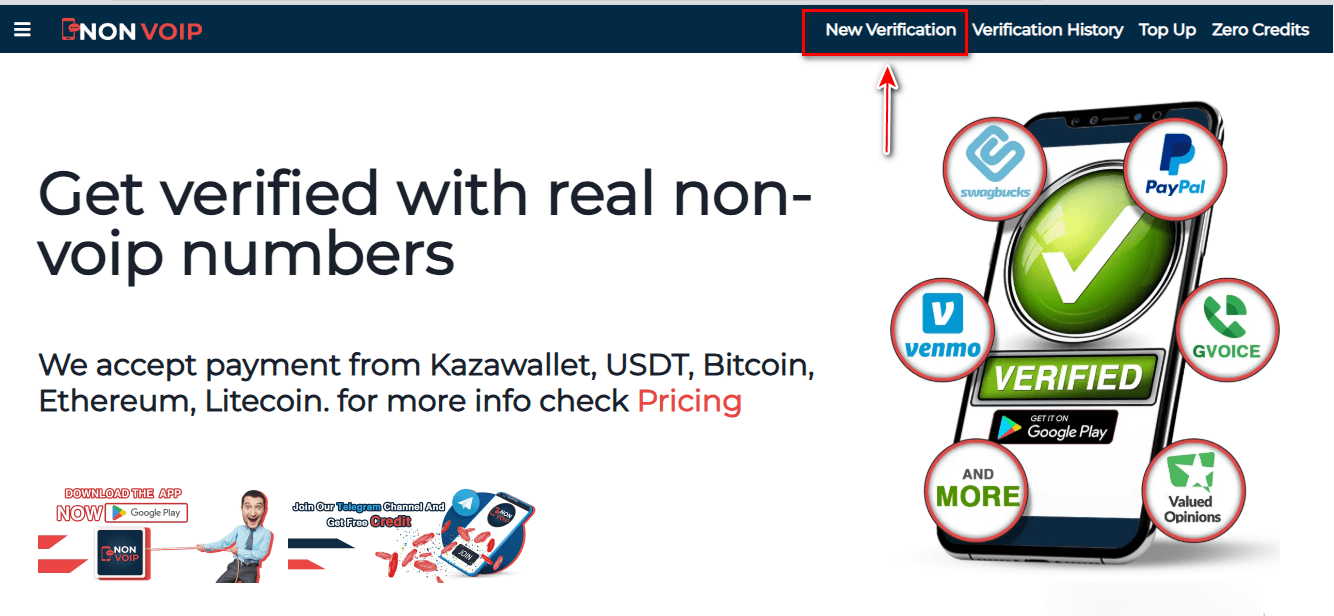
Click on the "New Activation" section on the site.
Use the search bar at the top, type " iCloud", and press the search button.
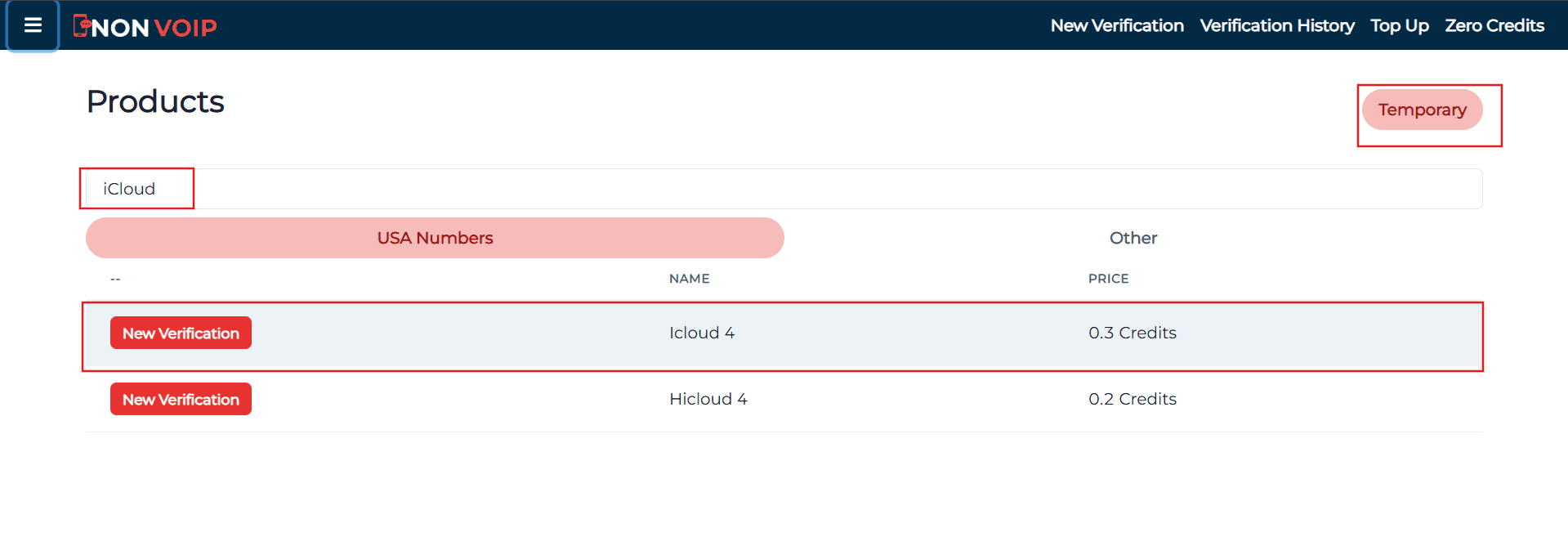
Click the "New Activation" button and follow the instructions to receive your real US number.
Phase 2: Setting Up the New Account
Go to the official Apple ID page or through your device settings.
Fill in the required basic information.
When you reach the phone verification step, paste the number you obtained from the Non-voip site.
Return to your Non-voip dashboard and wait a moment for the SMS verification code.
Enter the code on the Apple website to successfully complete the multiple iCloud account creation process.
Frequently Asked Questions (FAQ)
Is there a maximum limit to the number of accounts when creating multiple iCloud accounts?
Yes, Apple imposes technical limits on the number of new accounts that can be created directly through a single device. These limits are tied to the physical identifiers of the device itself and do not depend on the phone number used for verification.
Why does Apple sometimes reject my international number?
The reason is the use of untrusted virtual numbers. Relying on Non-Voip technology guarantees a full success rate because the numbers are linked to physical communication networks, not just temporary software codes.
Can I use these accounts in the App Store internationally?
Absolutely. Once you finish creating multiple iCloud accounts and verifying them, you can use each one by linking it to a specific region to download apps available in those international stores, such as the US or European stores.
Conclusion
Creating multiple iCloud accounts is the solution to organizing your digital life and enjoying all the features of the global Apple App Store.
Do not compromise your device's security by using fake solutions; start professionally with Non-Voip and ensure your privacy and the stability of all your accounts.