
You can create an Amazon AWS account without a phone number by using a trusted, real US number from Non-Voip.
Since Amazon requires precise verification to prevent the misuse of its cloud resources, relying on a physical SIM-based line from Non-Voip is the secure solution for receiving the verification code and ensuring your account is accepted without an immediate ban.
Why Create an Amazon AWS Account Without a Personal Phone Number?

Successfully creating an Amazon AWS account without a personal phone number grants you technical flexibility and superior security for managing your cloud projects.
The importance lies in:
Securing Digital Privacy: Protecting your personal identity from being permanently linked to developer accounts, ensuring your private number remains separate from Amazon's security and billing records.
Increase Account Approval Rates: Using a real US number reduces suspicious points within AWS systems, ensuring Free Tier features are activated immediately without lengthy security reviews.
Managing Multiple Testing Environments: Allows you to build and test different software projects while utilizing cloud resources without exhausting the activation quota tied to your single personal phone number.
Why Does Amazon AWS Reject Fake and Virtual Numbers?
Amazon possesses highly precise anti-fraud systems, and free virtual numbers consistently fail for the following reasons:
Number Classification Check: AWS systems immediately detect if a number belongs to a software-based VoIP service, viewing it as a high security risk that leads to registration rejection.
Preventing Resource Abuse: To prevent the creation of thousands of fake accounts that drain free server resources, the platform requires a number linked to a real SIM card.
Non-VoIP Reliability: Our platform’s strength lies in providing lines linked to real telecom carriers, giving your account a trust level that ensures its continuity.
Steps to create an Amazon AWS account without a phone number
Follow these simple steps to get a US number to activate Amazon AWS:
Phase 1: Get a US Number
Visit the official Non-voip website and log in.
Top up your balance to start the process.
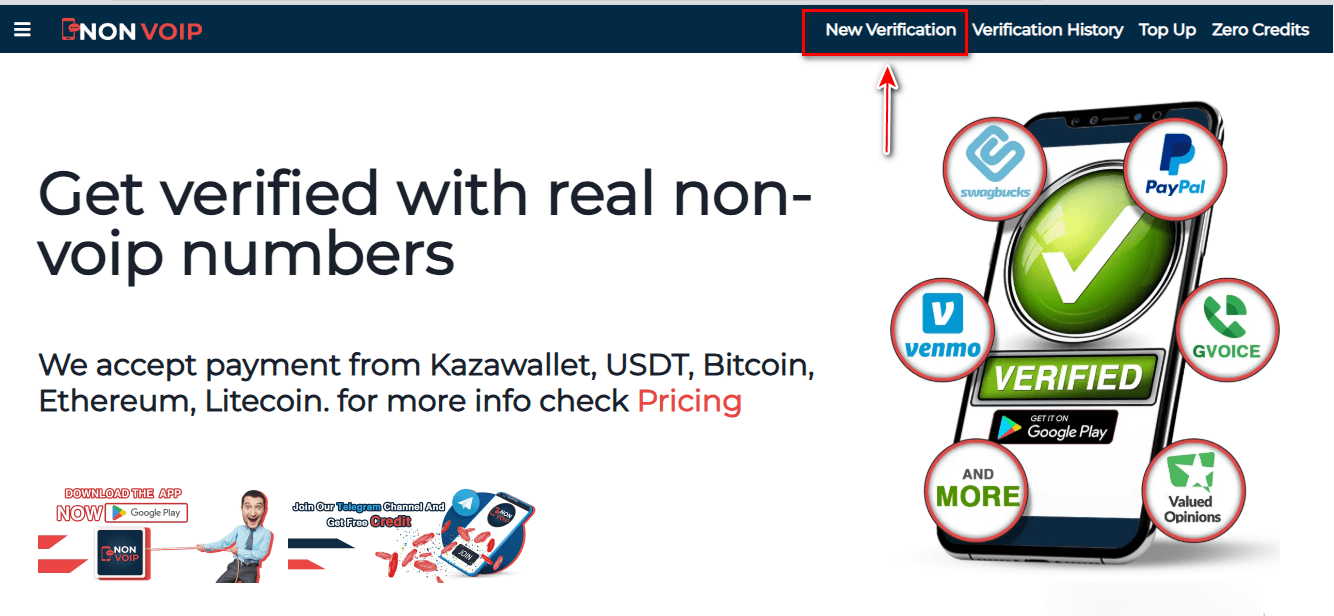
Click on the "New Activation" section of the site.
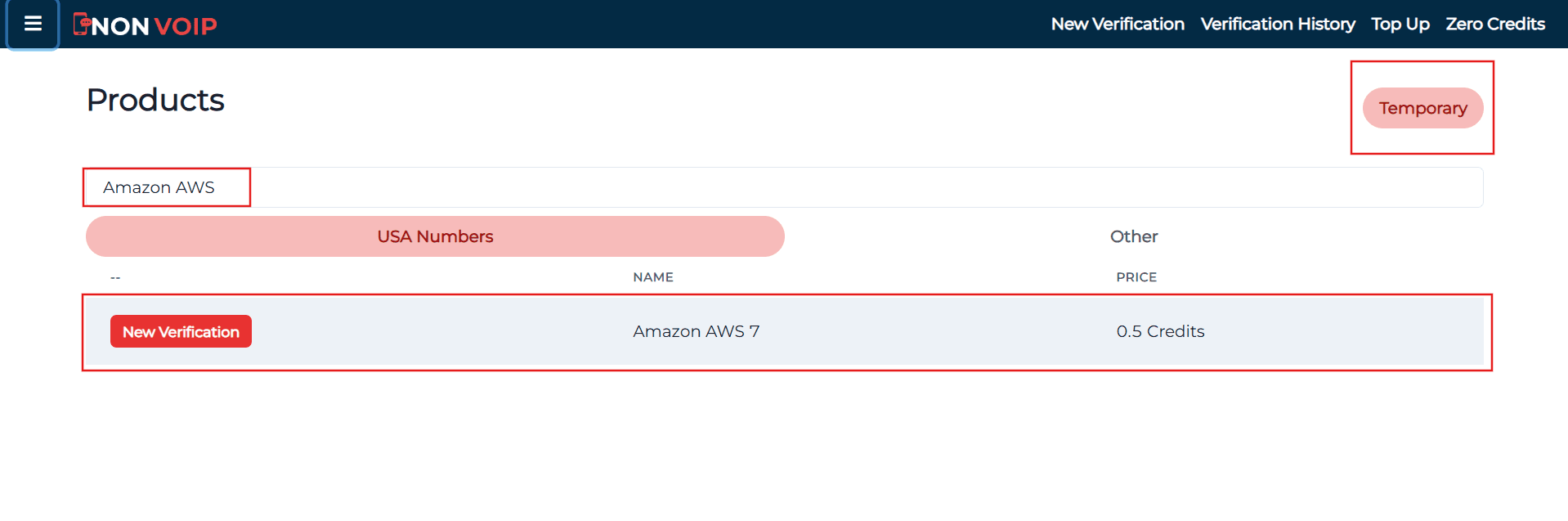
Use the search bar at the top, type "Amazon AWS", and press the search button.
Click the "New Activation" button and follow the instructions to receive your real US number.
Phase 2: Activating an Amazon AWS Account
- Open the Amazon AWS and start the new account creation process.
- Fill in the required basic information.
- When you reach the phone verification step, paste the number you obtained from the Non-voip site.
- Return to your Non-voip dashboard and wait a moment for the SMS verification code.
- Enter the code into the Amazon AWS app to complete the process successfully.
Frequently Asked Questions (FAQ)
Do I always need the number to log in to the AWS Console?
No, the number is primarily required during registration. For future logins, it is recommended to enable Multi-Factor Authentication (MFA) and an authenticator app like Google Authenticator, which eliminates the need for the phone number again.
Why does the platform reject virtual numbers?
Amazon performs an automatic audit on data quality; burned and virtual numbers are the first signs of a fake account, leading to account suspension to protect the platform's security.
What if the verification code does not arrive?
The Non-Voip platform fully protects your balance. If the code is not received within a few minutes, you can cancel the request and receive an instant refund to try another number immediately without any financial loss.
In the End
To successfully create an Amazon AWS account without a personal phone number, use real Non-Voip numbers.
It is the only guaranteed way to bypass security filters, receive your activation code instantly, and ensure the stability of your cloud account away from the ban risks associated with virtual numbers.