 Blog Non-VoIP
You can create two US Messenger accounts simultaneously on a single phone by using the in-app “Switch Account” feature or the “Dual Apps” setting on Android. To make this work without getting flagged, you’ll need two separate, real US Non-VoIP numbers from Non-Voip.
Since Meta’s algorithms are pros at spotting fakes, using real SIM-based numbers is the only way to receive your SMS OTP and stay under the radar.
Why Do You Even Need Two Messenger Accounts?
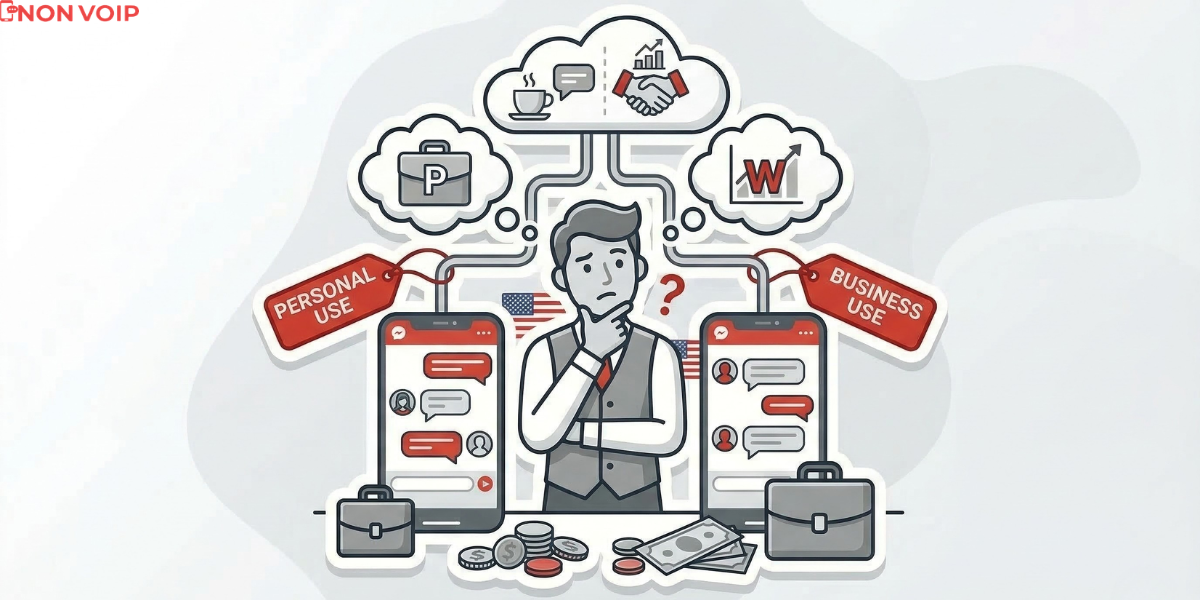
Running multiple accounts isn’t just for spies; it’s about risk mitigation. If your entire digital life, client comms, and family chats, is tied to one number, you’re putting all your eggs in one very unpredictable meta basket.
-
Managing Multiple Brands: If you’re running two different US-based stores or services, keeping their customer support separate is non-negotiable.
- Professional Boundaries: As we’ve discussed in our guide on how to separate your freelance identity, technical separation is the foundation of professional (and mental) stability.
- Ad Account Safety: If one ad account gets restricted, your second US account acts as a fail-safe backup.
- Hyper-Local Targeting: You can dedicate one account to New York and another to California to build local trust with clients in specific regions.
- Privacy: Keeping your “Side Hustle A” away from your “Side Hustle B” stops Meta from stitching your entire life story together.
- Maximizing Profits: US accounts give you better access to advanced monetization tools, like making money from Facebook videos in 2026, where the US Market RPM (Revenue Per Mille) remains the highest in the world.
Requirements for Dual US Messenger Accounts
To avoid getting your second account banned before you even send a “Hello,” you’ll need:
- Two Real US Numbers: Don’t try to “hack” the system with amateur tools or free virtual numbers. Use real Non-Voip US numbers.
- Official Messenger App: Fully updated to the latest version.
- Two Separate Emails: This ensures you can recover each account independently.
How to Activate Two US Messenger Accounts?
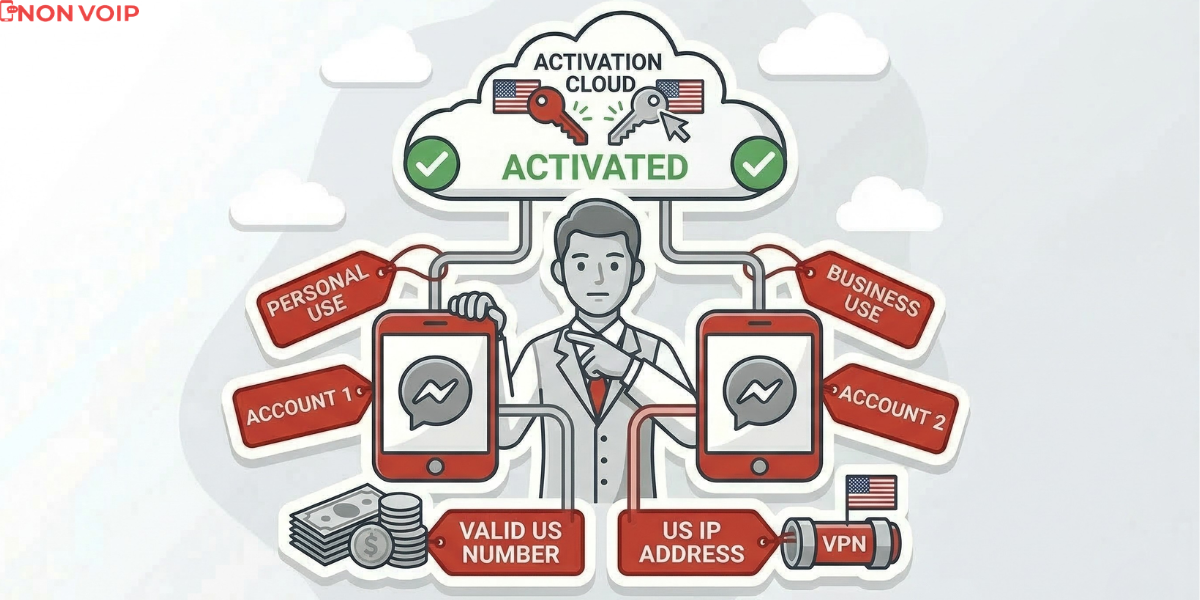
1. Create US Business Account
Start by setting up a new Facebook account dedicated to work. When it asks for verification, use a number from the Non-Voip platform.
- Why Non-VoIP? Because these numbers are linked to physical SIM cards. Meta’s filters flag free virtual numbers as “High Risk,” often rejecting them immediately or triggering additional verification loops, especially for accounts that appear to be businesses or advertising.
- Pro-Tip: Once you’re in, enable Two-Factor Authentication (2FA) immediately.
For a deep dive into this, check out our article on How to get a US number for Facebook activation.
2. Integrate Within the Messenger App
Forget those sketchy third-party apps. Just use the official Messenger:
- Tap your Profile Picture > Switch Account.
- Tap Add Account and enter your new US account credentials.
- Now, you can flip between them with one tap, and you’ll get notifications from both at the same time.
3. View Both Accounts at the Same Time
Android users can look for Dual Apps (or App Twin/Clone) in their settings. This creates a second instance of the app.
- App A: Your first business account.
- App B: Your second business account.
Non-VoIP vs Free Virtual Number

| Feature | Non-VoIP (Real SIM) | Free Number |
| Bypassing Meta’s Filters | Extremely High Success Rate | High failure and ban rate |
| OTP Delivery | Instant and guaranteed | Unreliable; often never arrives |
| Account Stability | Appears as a real, human user | Flagged as Spam/Bot activity |
| Cost | A small investment for long-term stability | Free, but wastes your time and effort |
To learn more about the technical side, read The difference between VoIP and Non-VoIP and why sites reject them.
Transparency: What are the Limits?
We don’t believe in “magic pills.” Here’s the reality of using Non-Voip services:
- Numbers are Temporary: The number you buy is for receiving a one-time SMS OTP. You won’t be able to receive another code on that same number later.
- Small Cost, High Stability: It’s a paid service because we provide real SIM cards connected to cell towers. This is the only way to avoid an instant ban.
- Security is on You: If you don’t enable 2FA and lose access to your account, we can’t resend the code. Security starts with your settings after activation.
FAQ
Does Facebook know I’m using two accounts on one device?
Yes, but they officially allow it through the “Switch Account” feature. The risk isn’t having two accounts; it’s linking a “fake” account (one without a real number) to your identity.
Why did my previous attempts with free apps fail?
Most free VoIP platforms are categorized as high-risk and appear in databases used for fraud. Meta’s algorithms blacklist these ranges or monitor them so closely that the account usually gets banned within days.
What if Facebook asks to verify the number again in a month?
Once you activate 2FA via an authenticator app, the need for the original phone number drops significantly. Your ability to bypass future checks depends on your other security layers (Email + 2FA).
Will the number be taken away from me later?
No. The number is deleted from our system after your activation session ends to protect your privacy, and it is never reused for the same service.
Conclusion
Running two US Messenger accounts is a pro-level move that requires pro-level tools. The rule is simple: Real US number per account = Security.
If you’re looking for sustainable growth and a real wall between your business and personal life, a real Non-Voip number is the difference between a thriving account and a banned one.